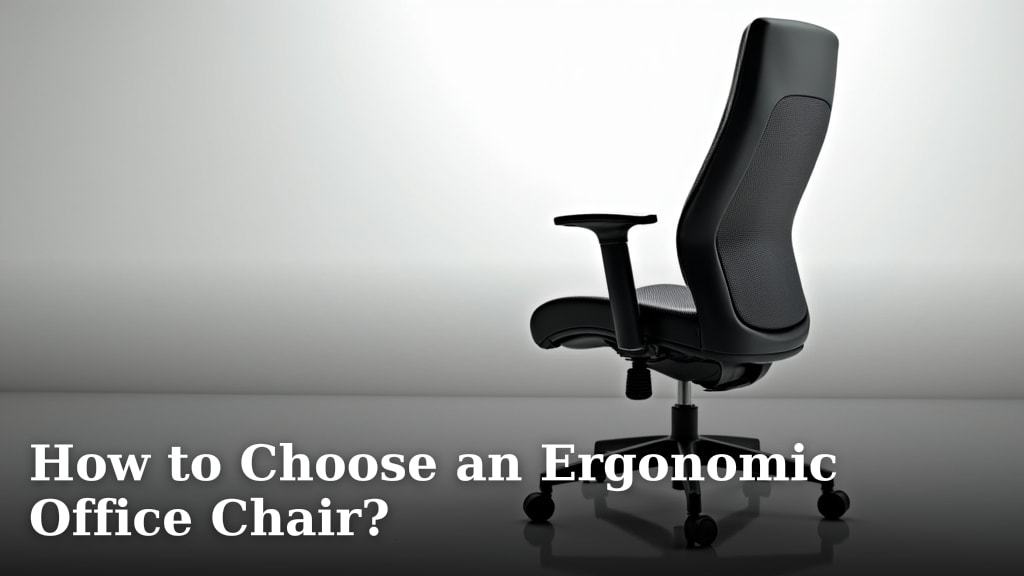
How to Choose an Ergonomic Office Chair?
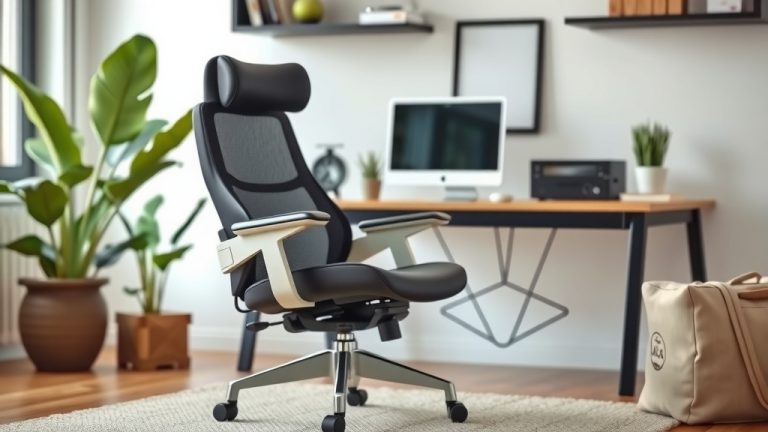
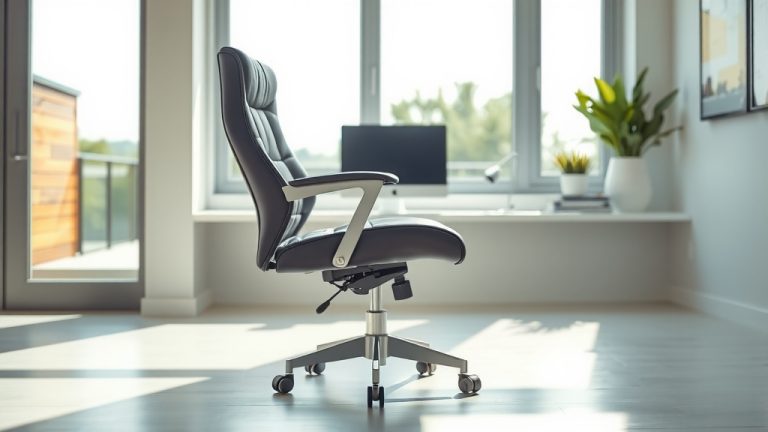
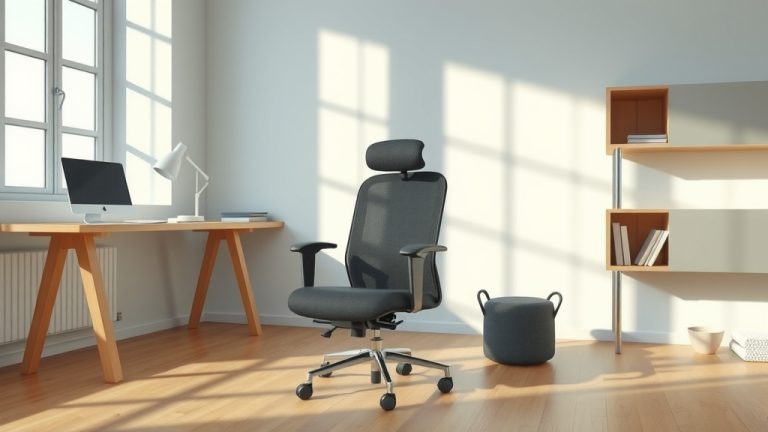
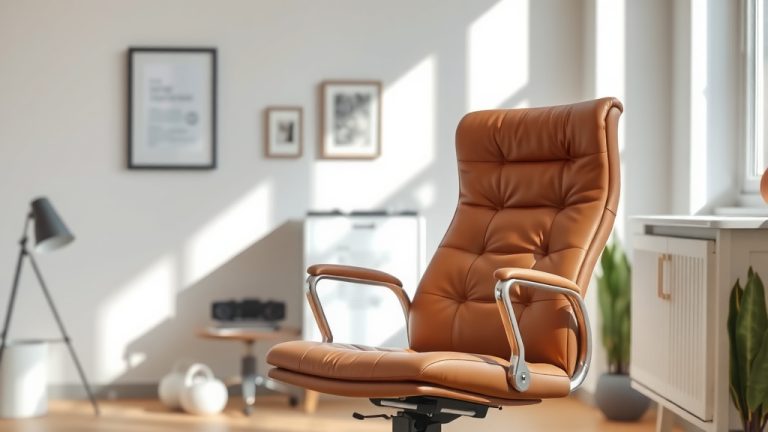
To choose an ergonomic office chair, focus on finding one with good adjustability, proper back support, and a comfortable seat that fits your body shape. The easiest way to pick the right chair is to understand what features truly matter for your health and sitting posture.
Spending hours at a desk can really hurt your back if you don’t have the right support. A good ergonomic chair helps you maintain healthy posture, reduces strain, and can even boost your focus during the workday. It’s an investment in your long-term well-being.
- Look for key adjustable features.
- Prioritize lumbar support.
- Check seat comfort and depth.
- Consider your body type.
Ready to upgrade your workspace? Let’s walk through exactly how to choose an ergonomic office chair that will keep you comfortable and supported all day long.
Finding Your Perfect Ergonomic Office Chair
Choosing the right ergonomic office chair isn’t just about comfort; it’s about investing in your long-term health and productivity. The key is to find a chair that truly supports your body.
Think of your chair as a partner in your workday. It should adapt to you, not the other way around. Let’s break down where to start your search.
Understand the Core Principles of Ergonomics
What exactly makes a chair “ergonomic”? It’s all about creating an environment that minimizes strain and maximizes efficiency. You want components that adjust to support your natural posture.
The goal is to keep your body in a neutral, relaxed position. This helps reduce pressure on your joints and muscles. We found that proper alignment is essential for avoiding pain.
The Importance of Adjustability
A truly ergonomic chair offers numerous adjustment options. This allows you to customize it to your unique body shape and size. Without adjustability, a chair can’t properly support you.
Many experts say that more adjustability generally means better ergonomics (Occupational Safety and Health Administration – OSHA). You need to be able to fine-tune your fit.
Here are some common adjustments you’ll want to look for:
- Seat Height: Your feet should be flat on the floor, and your knees at about a 90-degree angle.
- Seat Depth: There should be a small gap (2-4 fingers) behind your knees and the edge of the seat.
- Armrest Height and Width: Your arms should rest comfortably, with your shoulders relaxed.
- Backrest Angle and Tilt: This helps support your spine’s natural curve.
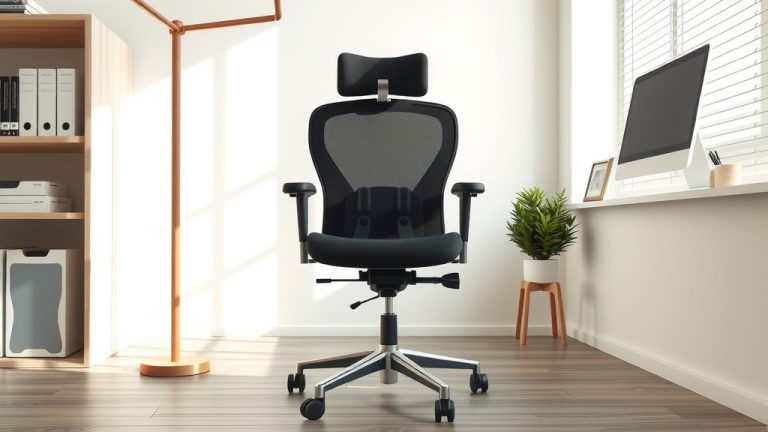
- Lumbar Support: This often moves up/down and in/out to properly meet your lower back.
Prioritize Proper Back Support
Your back is the powerhouse of your body, and it takes a beating when you sit for long hours. Good back support is non-negotiable in an ergonomic chair. It’s truly a game-changer for daily comfort.
The right chair will support the natural S-curve of your spine. This isn’t just about feeling good; it’s about preventing long-term issues. Many people experience less back pain with proper support.
Lumbar Support: Your Lower Back’s Best Friend
Lumbar support specifically targets your lower back. This is the area most prone to discomfort from prolonged sitting. An adjustable lumbar support is ideal; it lets you fine-tune the pressure.
You want the lumbar support to fill the natural curve in your lower back. This helps maintain proper spinal alignment. We often hear from users that good lumbar support makes all the difference.
Backrest Height and Angle
The backrest should support your entire back, from your shoulders down. Many chairs also allow you to adjust the backrest angle. This lets you recline slightly, taking pressure off your spine.
Some chairs offer a “synchro-tilt” mechanism. This means the seat and backrest move together when you recline. This keeps your posture consistent even when changing positions. It’s a very popular feature for active sitting.
Evaluate Seat Comfort and Design
The seat itself might seem straightforward, but its design plays a huge role in your comfort and circulation. A well-designed seat prevents pressure points and encourages good posture.
Don’t overlook the seat’s importance. It’s where your body makes continuous contact with the chair. A poor seat can lead to numbness or discomfort surprisingly quickly.
Seat Material and Padding
Look for high-quality, breathable materials. Mesh fabrics can offer good ventilation, while high-density foam provides lasting support without compressing too much. Avoid overly soft padding that flattens out.
The padding should feel firm but forgiving. You don’t want to feel the chair’s frame underneath you. We found that durable, resilient foam lasts much longer and feels better over time.
Waterfall Edge Design
A “waterfall” front edge on the seat is a great feature. This means the front of the seat slopes gently downwards. It helps reduce pressure on the backs of your thighs. This promotes better blood circulation to your legs.
Poor circulation can lead to tired, achy legs. The waterfall design is a small detail that makes a big difference. It’s one of those features many experts recommend (Mayo Clinic).
Consider Your Body Type
One chair does not fit all. Your unique body shape and size are critical factors in choosing the best ergonomic chair. What works for someone tall might not work for someone petite.
Always keep your own dimensions in mind. Don’t just pick a popular model; pick the one that fits you. It’s like buying shoes – size matters, but so does the fit for your unique foot shape.
| Body Type | Key Chair Considerations |
|---|---|
| Petite (Under 5’4″) | Look for shorter seat depth, lower minimum seat height, adjustable lumbar support that goes lower. |
| Average (5’4″ – 6’0″) | Most standard chairs will fit, but still prioritize full adjustability in seat depth, height, and armrests. |
| Tall (Over 6’0″) | Seek chairs with greater seat depth, higher maximum seat height, taller backrests, and higher armrests. |
| Heavier/Wider Set | Invest in chairs with higher weight capacities, wider seats, wider armrest adjustments, and heavy-duty components. |
Don’t Forget the Armrests and Base
While often overlooked, armrests and the chair’s base contribute significantly to comfort and stability. They complete the ergonomic picture, offering additional support and ensuring safety.
You wouldn’t buy a car without looking at the wheels, right? The same goes for your chair’s foundational components. They play a more important role than you might think.
Adjustable Armrests
Armrests should be adjustable in height, width, and sometimes pivot. This allows you to support your forearms comfortably, with your elbows bent at about a 90-degree angle. This reduces strain on your shoulders and neck.
Many people find “3D” or “4D” armrests incredibly useful. They move in multiple directions. This versatility ensures you can find the perfect spot for your arms, keeping you relaxed.
A Sturdy Base and Casters
The chair’s base should be wide and stable, typically a five-star design. This prevents tipping, even when you lean back. The casters (wheels) should suit your flooring. Soft casters are better for hard floors, hard casters for carpets.
A weak base or poor casters can make even the most ergonomic chair feel unstable or difficult to move. Always check the materials for durability. You want something that will last for years.
Your Ergonomic Chair Checklist
Ready to go chair shopping? Use this quick checklist to make sure you’re hitting all the important points. This will help you narrow down your choices and pick the best fit.
- Can you adjust the seat height to keep your feet flat on the floor?
- Does the seat depth allow for 2-4 fingers between your knees and the seat edge?
- Is the lumbar support adjustable and does it comfortably fill your lower back curve?
- Do the armrests adjust to support your forearms with relaxed shoulders?
- Is the seat material breathable and firm, without causing pressure points?
- Does the chair feel stable, and do the casters roll smoothly on your floor type?
Testing a chair in person is always the best option if possible. Sit in it for at least 10-15 minutes. Try out every adjustment. See how it feels as you work your way through your sitting tasks.

Conclusion
Choosing an ergonomic office chair is a significant step toward improving your workday comfort and long-term health. You’ve learned the importance of adjustability, proper back support, and a seat that truly conforms to your body. Remember to consider your unique body type and don’t overlook components like armrests and the chair’s base. Your comfort and well-being are worth the effort.
Now, take what you’ve learned and confidently select a chair that will support you, not just for a few hours, but for years to come. Your body will thank you!
Frequently Asked Questions
How do I know if my current office chair is bad for me?
If you experience persistent back pain, neck stiffness, numbness in your legs, or general discomfort after sitting for extended periods, your chair might be working against you. A good chair should make you feel supported and pain-free.
Is a more expensive ergonomic chair always better?
Not necessarily. While higher-priced chairs often offer more adjustments and durable materials, a moderately priced chair can still be excellent if it fits your body well and provides the key ergonomic features. Focus on fit and function, not just price.
How often should I replace my ergonomic office chair?
The lifespan of a good ergonomic chair can range from 5 to 10 years, or even longer, depending on its quality and how much you use it. You should consider replacing it when the support degrades, adjustments stop working, or it no longer feels comfortable and supportive.
Can an ergonomic chair fix my existing back pain?
An ergonomic chair can significantly help alleviate and prevent back pain by promoting proper posture and reducing strain. However, it’s not a magic cure. For existing pain, we recommend consulting with a healthcare professional in addition to upgrading your seating.
What’s the most important feature to look for in an ergonomic chair?
While all features are important, lumbar support and seat adjustability (height and depth) are arguably the most critical. These allow you to properly align your spine and keep your feet flat, which forms the foundation for good posture and comfort.