Is a Gaming Chair Good for Your Back?
Yes, a gaming chair can be good for your back, but only if you choose the right kind and use it properly. A good gaming chair offers better support than a standard office chair.
Many gamers spend hours seated, so proper back support is essential. We found that features like lumbar support and adjustable armrests make a big difference. These chairs aim to keep your spine naturally aligned.
- Gaming chairs can support your back.
- Look for adjustable lumbar support.
- Proper posture is still important.
- Not all gaming chairs are the same.
Below, we break down everything you need to know about gaming chairs and how they impact your back health. Let’s find out if one is right for you.
Can Gaming Chairs Help Your Back Health?
Yes, gaming chairs can significantly support your back health when chosen carefully. They often provide more targeted support than basic office chairs.
Think about it: you spend hours in your chair, right? That chair becomes an extension of you. A good gaming chair is designed to keep your spine in its natural “S” curve.
We found that features like adjustable lumbar support are key. This means the chair isn’t just a plush seat; it’s a tool for better posture (NIH).
How Gaming Chairs Offer Back Support
So, what makes these chairs so special for your back? It really comes down to their design philosophy.
Unlike many standard office chairs, gaming chairs are built with the idea of extended sitting in mind. They focus on keeping your body aligned.
We often see that these chairs come with a range of adjustments. These aren’t just for comfort; they’re for tailoring the chair to your unique body shape.
Lumbar Support Explained
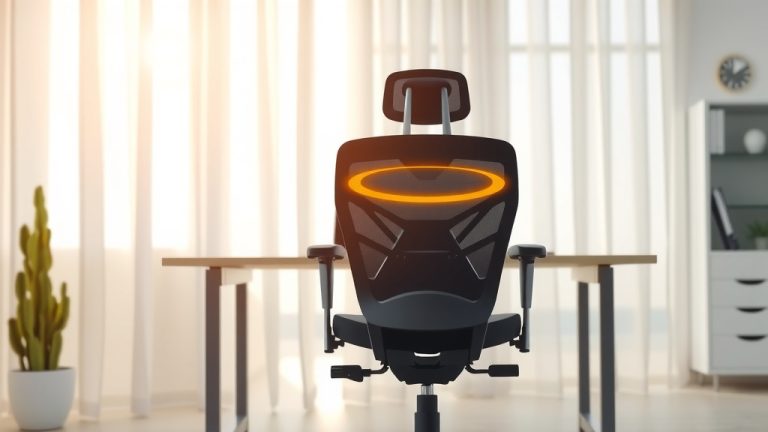
Lumbar support is probably the most talked-about feature. It’s the part that pushes against the small of your back.
Your lower spine naturally curves inward. Without support, it tends to flatten out, which puts strain on your discs and muscles (Cleveland Clinic).
A good lumbar pillow or adjustable lumbar mechanism fills that gap. It helps maintain the natural curve, reducing pressure.
High Backrests and Headrests
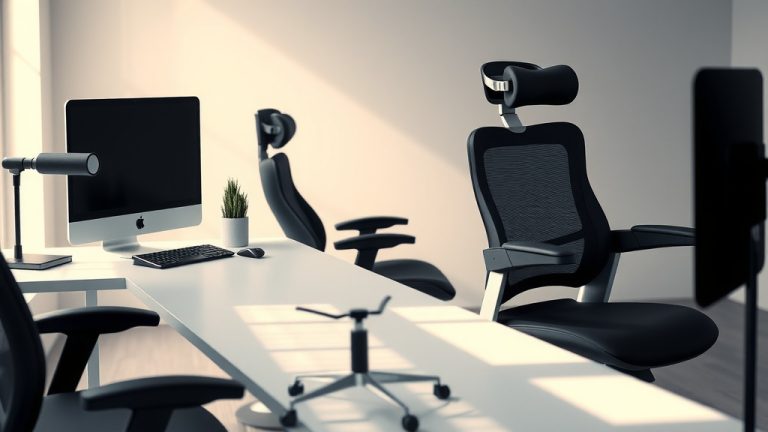
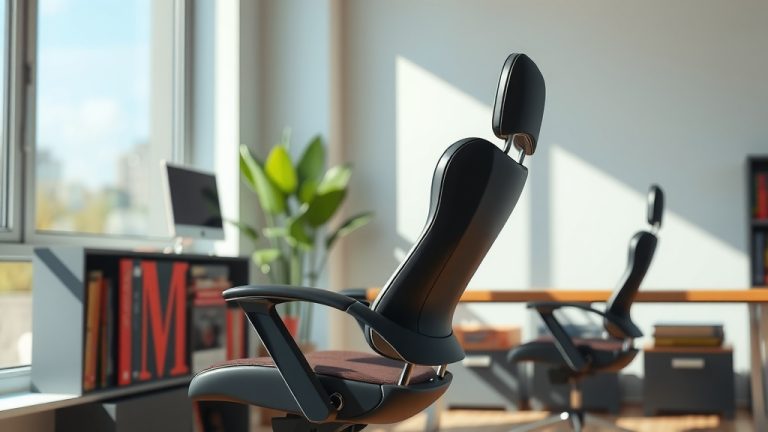
Most gaming chairs have tall backrests. This is a big plus for your upper back and neck.
A high backrest supports your entire spine, right up to your shoulders. This prevents you from slouching forward or hunching.
The headrest often includes a small pillow. This supports your neck, keeping your head in a neutral position. No more stiff neck after a long session!
Adjustable Armrests
You might think armrests are just for resting your arms. But they play a role in back support too.
Properly adjusted armrests allow your shoulders to relax. If your armrests are too low, you’ll hunch. If they’re too high, your shoulders will be shrugged.
When your shoulders are relaxed, it reduces tension that can travel down your neck and into your upper back. This is why multi-directional armrests are so popular.
The Downside: When Gaming Chairs Aren’t So Good for Your Back
While many gaming chairs are beneficial, not all of them are created equal. And sometimes, it’s not the chair but how you use it.
We’ve found that some cheaper models cut corners on critical features. This can lead to a chair that looks good but offers poor support.
Also, even the best chair can’t fix bad habits. Sitting perfectly in a premium chair is better than flopping in one.
Common Issues with Gaming Chairs
Let’s talk about where some gaming chairs miss the mark. You want to be aware of these pitfalls before you buy.
Some models have fixed, non-adjustable components. This means the chair might not fit your body like it should.
Others use low-quality foam that flattens quickly. What starts as supportive can become uncomfortable and unsupportive over time.
“Racing Style” Seats
Many gaming chairs mimic the look of racing car seats. They have bolsters on the sides that hug your body.
For some, these side wings can be too restrictive. They might force your legs into a position that isn’t natural or comfortable.
If you have wider hips or thighs, these can dig in. This can lead to circulation issues or just general discomfort, which can affect your posture (Journal of Occupational Health).
Over-Reliance on Pillows
Many gaming chairs come with separate pillows for lumbar and neck support. While these can be good, they’re not always perfect.
Sometimes, these pillows are too firm or too bulky. They might push your spine into an unnatural arch instead of a comfortable curve.
The best scenario is a chair with built-in adjustable lumbar support. This allows for more precise customization.
What to Look for in a Back-Friendly Gaming Chair
So, you’re convinced a gaming chair might be for you. How do you pick a good one that actually helps your back?
We recommend approaching this like a detective. You’re looking for specific clues that indicate quality and proper design.
Think “adjustability” above all else. The more you can tweak, the better the chair will fit your unique frame.
Key Features for Optimal Back Health
Here’s a checklist of what to prioritize. This will guide you toward a chair that truly benefits your back.
- Adjustable Lumbar Support: Not just a pillow, but a mechanism you can move up, down, in, and out.
- High-Density Foam: Ensures the cushioning won’t bottom out quickly, maintaining support.
- Seat Height Adjustment: Your feet should be flat on the floor, or you should be using a footrest. Your knees should be at a 90-degree angle.
- Recline Function with Tilt Lock: Allows you to change your posture throughout the day, relieving pressure.
- Multi-Directional Armrests (3D or 4D): Adjust forward, backward, up, down, and rotate, allowing your shoulders to relax.
- Sturdy Base and Frame: A wobbly chair isn’t going to provide stable support.
Comparing Gaming vs. Ergonomic Office Chairs
This is a common question. Are they the same? Not exactly, but they share goals.
Both aim for comfort and support. However, their primary focus can differ slightly.
We found that gaming chairs often prioritize a “sporty” aesthetic and deep recline. Ergonomic office chairs focus more on subtle, continuous support for prolonged work.
| Feature | Gaming Chair (Good Quality) | Ergonomic Office Chair (Good Quality) |
|---|---|---|
| Aesthetic | Often “racing seat” style, bold colors | Subtler, professional look, neutral colors |
| Back Support | High backrest, adjustable lumbar pillow/mechanism, neck pillow | High backrest, integrated and often highly adjustable lumbar support |
| Recline Range | Often reclines very far back (150-180 degrees) | Typically good recline (up to 135 degrees), designed for varied postures |
| Armrests | Highly adjustable (3D/4D), often padded | Highly adjustable (3D/4D), sometimes with softer pads |
| Price Range | Wide range, can be very affordable to high-end | Generally starts higher, can be very expensive |
| Primary Use | Gaming, some work, long sitting sessions | Office work, long sitting sessions, professional environments |
So, which is better for your back? It depends on your needs and preferences. An ergonomic office chair might have more subtle adjustments, but a well-designed gaming chair can offer excellent support.
Beyond the Chair: Good Posture Habits are Essential
Even the most expensive, highly-rated gaming chair won’t fix everything. Your habits play a huge role.
Think of the chair as a tool, not a magic cure. It helps you maintain good posture, but you still have to put in the effort.
We’ve often said that movement is medicine. Sitting perfectly still for hours isn’t good, no matter what chair you’re in.
Tips for Maintaining a Healthy Sitting Posture
Want to get the most out of your chair and protect your back? Try these tips:
Sit Up Straight (But Not Like a Robot)
Don’t slouch, but don’t be ramrod straight either. Find that natural “S” curve of your spine.
Your ears, shoulders, and hips should form a roughly straight line. Use your chair’s lumbar support to help achieve this.
Keep your shoulders relaxed, not hunched up by your ears. Your stomach muscles should be gently engaged.
Take Regular Breaks
This is probably the most important advice. Set a timer if you need to!
Every 30-60 minutes, stand up, stretch, and move around for a few minutes. Go get a drink of water, walk to another room, or do some light stretches (Mayo Clinic).
Breaking up long periods of sitting helps with circulation and prevents stiffness. It gives your back muscles a break from static loading.
Adjust Your Monitor and Peripherals
Your screen position matters a lot for your neck and upper back.
The top of your monitor should be at or slightly below eye level. This prevents you from craning your neck up or down.
Your keyboard and mouse should be close enough that your elbows are at a 90-degree angle. This keeps your wrists straight and prevents shoulder strain.