What Is Lumbar Support in Office Chair?
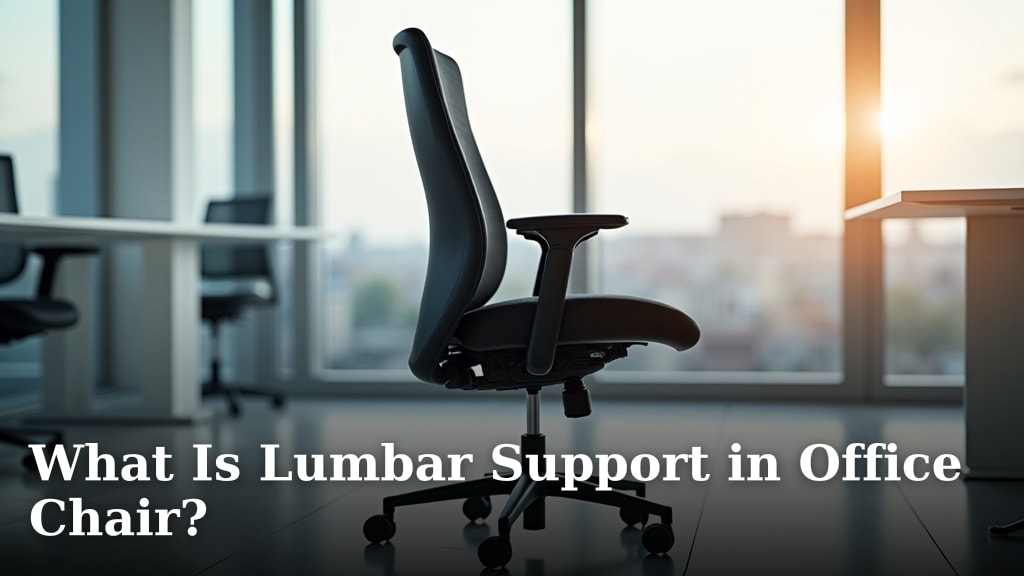
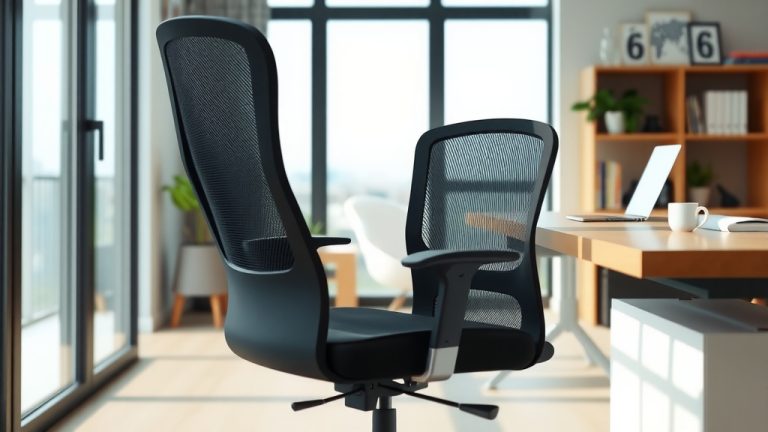
Lumbar support in an office chair is a feature designed to support the natural inward curve of your lower back. It helps you maintain good posture while sitting for long periods. This support fills the gap between your lower back and the chair, reducing strain.
When you sit, especially for hours, your lower back can lose its natural curve. Lumbar support helps prevent slouching and keeps your spine aligned. We found that proper back support significantly reduces discomfort and fatigue throughout your workday.
- Lumbar support props up your lower back.
- It helps maintain your spine’s natural curve.
- Good support can reduce back pain.
- It makes sitting for long periods more comfortable.
Let’s dive deeper into exactly what lumbar support is and why it matters for your comfort and health.
Understanding Lumbar Support in Your Office Chair
So, you know lumbar support helps your lower back. But what is it really doing? Think of your spine as a gentle S-curve when viewed from the side. Your lower back, or lumbar region, has a natural inward curve. When you sit, especially on a flat surface, this curve can flatten or even bulge outwards. This puts stress on your discs and muscles.
Lumbar support is like a helpful cushion or built-in bulge that pushes gently into this inward curve. It helps your spine keep its natural alignment even when seated. This reduces the pressure on your spinal discs. It also helps your back muscles relax instead of constantly working to hold you upright.
The Anatomy of Your Lower Back
Let’s briefly look at your lower back. This area consists of five vertebrae, labeled L1 to L5. These bones are quite large as they bear most of your upper body’s weight. Between each vertebra are soft, jelly-like discs that act as shock absorbers. Many nerves also run through this region, connecting to your legs and feet.
When your lower back loses its natural curve due to poor sitting posture, these discs can get compressed unevenly. This pressure can irritate nerves and lead to pain. Maintaining that natural lordotic curve with lumbar support helps distribute pressure more evenly. We found this is key to long-term comfort and health (National Center for Biotechnology Information).
Why Proper Lumbar Support Matters for Your Health
You might think sitting is a resting position, but without proper support, it can be quite strenuous on your body. Imagine holding a heavy box with your arms outstretched. Eventually, you’d get tired, right? Your back muscles do something similar when you slouch. They work harder to stabilize your spine.
Good lumbar support helps your spine maintain its proper position without constant muscle effort. This means less pain, less fatigue, and better overall health over time. It’s a simple change that makes a big difference for those long hours at a desk.
Preventing Back Pain and Discomfort
Back pain is incredibly common, especially among office workers. Poor posture is a major culprit. When you slouch, your spinal ligaments stretch, and the discs in your lower back are put under uneven stress. This can lead to nagging aches, stiffness, and even chronic pain.
We found that using a chair with adequate lumbar support significantly reduces the chance of developing lower back pain. It trains your body to sit in a healthier posture. Many experts say prevention is best against chronic back issues (American Academy of Orthopaedic Surgeons).
Improving Posture and Spinal Alignment
Have you ever noticed yourself hunching over your keyboard? Lumbar support gently cues your body into the correct alignment. It encourages your pelvis to tilt slightly forward, which helps your spine form that healthy S-curve. This isn’t about sitting stiffly; it’s about sitting naturally.
Over time, consistent use helps strengthen your core muscles. This makes it easier to maintain good posture even when you’re not in your office chair. Think of it as a friendly reminder for your spine throughout the day.
Types of Lumbar Support in Office Chairs
Not all lumbar support is created equal. Understanding the different types helps you choose what’s best for your body. From fixed to adjustable, each style offers something a little different. What feels right for one person might not feel right for another.
Fixed Lumbar Support
This is the simplest form. The curving shape of the chair back itself provides the support. It’s built into the chair’s design and is not adjustable. These chairs often have a subtly contoured backrest that pushes into your lower back.
- Pro: Generally simpler and more affordable chairs.
- Con: May not fit everyone perfectly. What if your curve is different?
- Best for: Users who happen to fit the chair’s pre-set curve well.
Adjustable Lumbar Support
This is where things get more personalized. Adjustable lumbar support allows you to customize the amount and position of protrusion. This customizability is often what makes a big difference for comfort when you share a chair or have unique needs.
Height-Adjustable Lumbar Support
This type lets you move the support pad up or down. Your lower back curve isn’t in the same spot for everyone. Someone with a longer torso might need it higher, while someone shorter would need it lower. This fine-tuning ensures the support hits exactly where your natural curve is.
Depth-Adjustable Lumbar Support
Here, you can control how far the support pushes into your back. Some people prefer a gentle push, while others need more pronounced support. This is usually done with a dial or lever that adjusts a tension band or bladder inside the chair back. This is very helpful for adapting to different body types.
Advanced Lumbar Support Systems
Some premium chairs offer even more sophisticated systems. These can include airbags that inflate or deflate for precise depth adjustment. You might also find flexible backrests that adapt to your movements. These are designed to provide dynamic support, changing as you shift in your seat.

How to Properly Use Lumbar Support
Having lumbar support is great, but using it correctly is key. It’s not just about pushing a button; it’s about understanding how your body interacts with the chair. Your goal is to feel supported, not pushed uncomfortably forward.
Here’s a quick checklist to make sure you’re getting the most out of your chair’s lumbar support:
- Sit All the Way Back: Make sure your hips are pushed against the backrest. This ensures your lower back makes full contact with the lumbar support.
- Adjust Height: If adjustable, position the lumbar support so it cradles the natural inward curve of your lower back. This is usually around your belt line or slightly above.
- Adjust Depth: Gently increase the depth until you feel snug support. You don’t want it pushing you forward forcefully, just filling the natural gap.
- Feet Flat: Your feet should be flat on the floor or a footrest. This helps stabilize your pelvis.
- Re-evaluate: Take breaks and periodically re-check your posture. Does anything feel off after an hour or two?
Finding Your Sweet Spot
This is a personal journey. What feels right for your colleague might not feel right for you. Experiment with the adjustments. Spend a few hours at each setting to see how your body responds. You’re looking for a feeling of ease and sustained comfort, not pressure or pain. Your body will tell you when you’ve found the right spot.
We found that many people initially over-adjust. Start with a moderate setting and then fine-tune it. It’s like finding the right pillow for your neck – it takes a little trial and error, but the payoff is worth it.
Important Considerations When Choosing an Office Chair
Lumbar support is just one piece of the puzzle. When picking an office chair, it’s wise to consider the whole package. A great chair works in harmony with your body, not against it. What other features should you consider?
| Feature | Why It Matters |
|---|---|
| Seat Height Adjustment | Allows your feet to be flat on the floor, preventing leg strain. |
| Seat Depth Adjustment | Ensures there’s 2-4 inches between the seat edge and the back of your knees, preventing circulation issues. |
| Armrests | Adjustable height and width help support your arms, shoulders, and neck while typing. |
| Backrest Recline | Lets you lean back and change positions, reducing static load on your spine. |
| Material | Breathable fabric or mesh can prevent discomfort from sweating during long sits. |
Looking at these features together ensures you’re not just buying a chair, but investing in your comfort and long-term health. Don’t compromise on a feature that feels essential for your specific body needs.
Conclusion
You’ve learned that lumbar support in an office chair isn’t just a fancy feature; it’s a vital component for your health and comfort. It works by maintaining the natural curve of your lower back, preventing pain, and improving your posture. We found that investing in a chair with proper, often adjustable, lumbar support makes a real difference in your daily well-being. It helps your spine stay aligned, easing pressure on discs and muscles.
Don’t settle for discomfort when you sit. Take the time to apply what you’ve learned here. Adjust your current chair, or if it’s time for a new one, prioritize a model that genuinely supports your lumbar region. Your back will thank you for it.
Frequently Asked Questions
Is lumbar support only for people who already have back pain?
Absolutely not. While it helps alleviate existing pain, its primary role is preventative. We found that proper lumbar support is crucial for anyone who sits for extended periods to maintain spinal health and prevent pain from developing.
Can I add lumbar support to my existing office chair?
Yes, you can. There are many external lumbar support cushions or pillows available. Choose one that fits snugly against your chair back and provides firm, but comfortable, support to your lower back’s natural curve.
How do I know if my lumbar support is adjusted correctly?
You’ll know it’s correct when you feel a gentle, sustained push in the small of your back that helps you sit upright without effort. It shouldn’t push you forward uncomfortably or feel like a hard lump. Experiment until you find a feeling of natural alignment.
What if my chair has lumbar support but still feels uncomfortable?
First, re-check your adjustments, making sure to sit all the way back. If it’s still uncomfortable, the chair’s design might not be a good match for your body shape. We found that some fixed lumbar supports don’t suit everyone, despite their intent.
How long should it take to get used to new lumbar support?
It might take a few days of consistent use to fully adapt. Your body needs time to adjust to the new, healthier posture. Stick with it and make minor adjustments as needed; you should start feeling more comfortable and supported.