What Is the Best Sitting Posture for Back Pain?
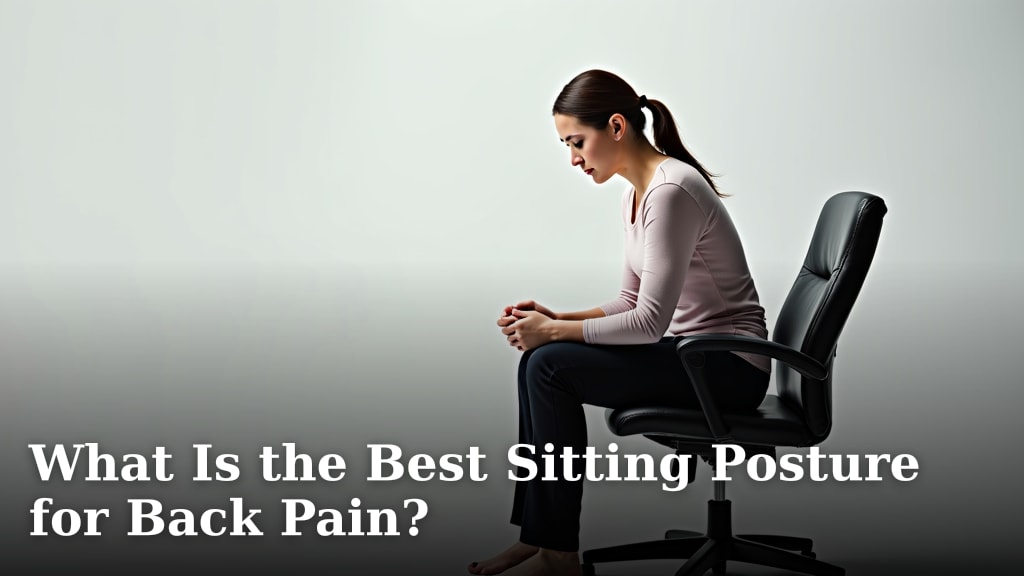
The best sitting posture for back pain involves an upright yet relaxed position, keeping your spine in its natural S-curve. This means your ears should align with your shoulders, and your shoulders with your hips, providing optimal support for your back.
You’re not alone if you’ve ever felt that nagging ache after a long day of sitting. Many of us spend hours at a desk, and without the right posture, back pain can become a constant companion. Finding the ideal way to sit can significantly reduce discomfort and improve your overall well-being.
- Sit upright but relaxed.
- Align your ears, shoulders, and hips.
- Use ergonomic support if needed.
- Take frequent breaks to move around.
Let’s dive into the specifics of achieving this posture and discover what many experts say are the best ways to keep your back happy and pain-free.
Finding Your Ideal Sitting Posture to Ease Back Pain
Achieving the best sitting posture means aligning your body naturally, reducing strain on your back. It’s about supporting your spine’s innate curves.
You want to find a position that feels natural and relaxed, not stiff. Your body likes balance and gentle support.
Think of your spine as an “S” shape. Good posture helps maintain this curve, preventing your back from rounding or arching excessively.
The Core Principles of Good Sitting Posture
Let’s break down what good sitting posture actually looks like. It’s more than just sitting up straight.
It’s about creating a stable base and keeping your natural spinal alignment. This reduces pressure on your discs and muscles.
Many experts agree that a neutral spine is key. This means no extreme bending or twisting (American Academy of Orthopaedic Surgeons).
Feet Flat on the Floor
Your feet should be flat on the floor or a footrest. This provides a stable foundation for your posture.
Avoid dangling your feet or tucking them under your chair. This can shift your weight and strain your back.
If your feet don’t reach the floor, use a small stool or a stack of books. Stability starts from the ground up.
Knees at a 90-Degree Angle
Your knees should be bent at about a 90-degree angle, or slightly wider. They should be level with or a little below your hips.
This position helps keep your pelvis in a neutral tilt. It prevents your lower back from slumping.
Too much bend can put stress on your knees and hips. Too little bend can cause you to slide forward.
Hips Pushed Back in the Chair
Sit with your hips as far back in the chair as possible. This ensures proper lumbar support from your chair back.
When you sit on the edge of your chair, you often lose that crucial support. This forces your back muscles to work harder.
Think of it as anchoring yourself. Your whole back should be in contact with the chair’s backrest.
Shoulders Relaxed and Back
Your shoulders should be relaxed, not hunched up by your ears. Pull them back slightly, as if gently squeezing a pencil between your shoulder blades.
This opens up your chest and aligns your upper spine. It also helps prevent neck and upper back pain.
Avoid rounding your shoulders forward. This posture can lead to a “text neck” and increased strain.
Head Balanced Over Shoulders
Your head should be balanced directly over your shoulders. Imagine a string pulling the crown of your head gently skyward.
Resist the urge to crane your neck forward to look at a screen. This adds significant weight and stress to your neck and upper back.
Your ears should be directly above your shoulders. This alignment is vital for minimizing neck strain.
The Role of Ergonomics in Back Pain Relief
Ergonomics is about designing your workspace to fit you, not the other way around. It’s a game-changer for back pain.
A well-set-up ergonomic workstation supports good posture naturally. It makes it easier to maintain the best sitting position.
Many find that ergonomic adjustments greatly reduce daily aches and pains (National Institute of Neurological Disorders and Stroke).
Choosing the Right Chair
Your office chair is your main ally in the fight against back pain. It needs to provide proper support.
Look for a chair with adjustable features. This allows you to customize it to your unique body.
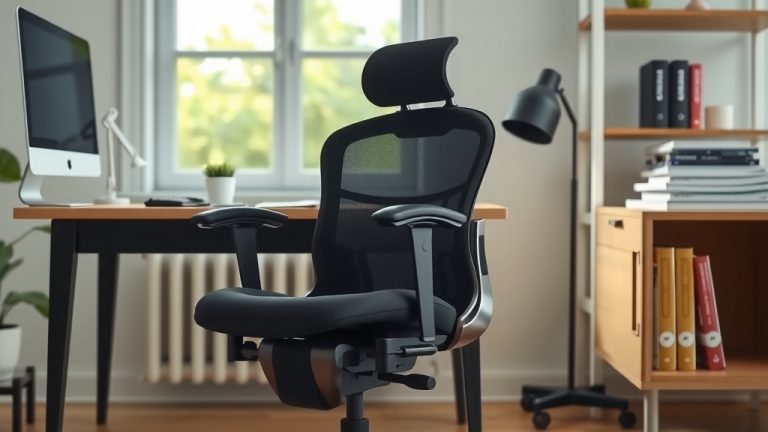
Here’s what to look for when selecting an ergonomic chair:
- Adjustable Height: Allows your feet to be flat on the floor and knees at 90 degrees.
- Lumbar Support: A curve that matches your lower back’s natural S-shape.
- Armrests: Adjustable armrests that allow your arms to rest comfortably, supporting your elbows.
- Swivel and Wheels: Helps you move without twisting your back.
Setting Up Your Workspace
Your entire workspace, not just your chair, impacts your posture. Small changes can make a big difference.
The goal is to keep everything you need within easy reach and at appropriate heights.
Consider these points for an optimal setup:
- Monitor Height: The top of your screen should be at or slightly below eye level. This prevents neck strain.
- Keyboard and Mouse: Keep them close to your body. Your wrists should be straight, not bent up or down.
- Lighting: Good lighting prevents squinting and leaning forward, which can strain your neck and back.
Comparing Good Posture vs. Bad Posture
Sometimes seeing the contrast helps. Let’s look at what good and bad posture mean for your body.
Understanding these differences can help you identify and correct your own habits.
Poor posture often puts uneven pressure on your spine, leading to discomfort over time.
| Aspect | Good Sitting Posture | Poor Sitting Posture |
|---|---|---|
| Spine | Natural ‘S’ curve maintained | Slumped ‘C’ curve or overly arched |
| Head | Balanced over shoulders | Forward, chin jutting out |
| Shoulders | Relaxed, slightly back | Rounded forward, hunched |
| Hips | Pushed back into chair | Slid forward, sitting on tailbone |
| Feet | Flat on floor or footrest | Dangling, tucked, or crossed |
| Energy | Less muscle strain, more energy | More muscle strain, fatigue, pain |
Beyond Sitting: The Importance of Movement and Breaks
Even the best posture isn’t meant to be held perfectly for hours on end. Your body needs to move.
Sitting in any position for too long can be detrimental. Movement nourishes your spine and muscles.
Many health organizations recommend frequent breaks to stand and stretch (CDC).
Why Regular Breaks are Essential
Breaks relieve pressure and get your blood flowing. They prevent stiffness and muscle fatigue.
Think of it like oiling a machine. Movement keeps your joints lubricated and your muscles active.
Even a few minutes away from your desk every hour can make a big difference to your back.
- Stand Up: Stand up and stretch every 30-60 minutes.
- Walk Around: Take short walks, even if it’s just to get water.
- Stretch Gently: Do some simple stretches for your back, neck, and shoulders.
- Change Positions: Shift your weight or subtly change how you’re sitting.
Simple Stretches for Desk Workers
Incorporating simple stretches can further alleviate back pain. These don’t require much space or time.
Gentle movements can counteract the effects of prolonged sitting and improve flexibility.
Always listen to your body and never force a stretch that causes pain.
Try these quick stretches at your desk:
- Neck Tilts: Gently tilt your ear towards your shoulder. Hold for 15 seconds each side.
- Shoulder Rolls: Roll your shoulders forward and then backward in large circles.
- Seated Cat-Cow: While seated, arch your back slightly for “cow” and round it for “cat.”
- Arm Stretches: Reach one arm across your body, using the other arm to gently pull it closer.
- Torso Twists: Gently twist your upper body to one side, using your chair for leverage.
Your Personal Posture Checklist
Ready to put it all together? Use this checklist to quickly review your sitting posture.
It’s a handy reminder to ensure you’re giving your back the best support throughout the day.
Make this a habit, and you’ll likely notice a real improvement in your comfort levels.
- Are your feet flat on the floor or a stable footrest?
- Are your knees bent at about 90 degrees, level with or slightly below your hips?
- Are your hips pushed all the way back in your chair, supporting your lower back?
- Are your shoulders relaxed, not hunched, and slightly pulled back?
- Is your head balanced directly over your shoulders, not jutting forward?
- Are you taking regular breaks to stand, walk, and stretch?
Conclusion
Finding the best sitting posture for back pain isn’t about rigid perfection. It’s about creating a supportive and sustainable way to sit. By understanding your body’s natural curves and setting up an ergonomic workspace, you can significantly reduce discomfort. Remember to integrate regular movement and breaks into your day, too. Your back will thank you for these small but mighty changes. Start implementing these tips today for a healthier, happier you.
Frequently Asked Questions
Is sitting perfectly upright all day good for my back?
While an upright posture is beneficial, sitting perfectly rigid for long periods isn’t ideal. Your body thrives on subtle movement. Aim for an upright yet relaxed position, and remember to take frequent breaks to stand and stretch.
Can a standing desk eliminate my back pain?
A standing desk can certainly help, but it’s not a magic cure. It encourages movement and reduces prolonged sitting. However, you still need to maintain good posture while standing and vary your position throughout the day.
How often should I get up and move around when working?
Most experts recommend standing up and moving around every 30 to 60 minutes. Even a couple of minutes of walking or gentle stretching can make a big difference in preventing stiffness and muscle fatigue.
What if my office chair doesn’t have good lumbar support?
If your chair lacks a built-in lumbar support, you can use a rolled-up towel, a small pillow, or a specialized lumbar cushion. Place it at the curve of your lower back for added support, ensuring your spine maintains its natural S-shape.
Will changing my posture immediately fix my back pain?
Changing your posture is a process, not an instant fix. You might experience some initial muscle soreness as your body adjusts. Consistent effort over time, combined with regular movement, will gradually lead to reduced pain and improved comfort.