
How to Adjust Seat Depth on Office Chair?
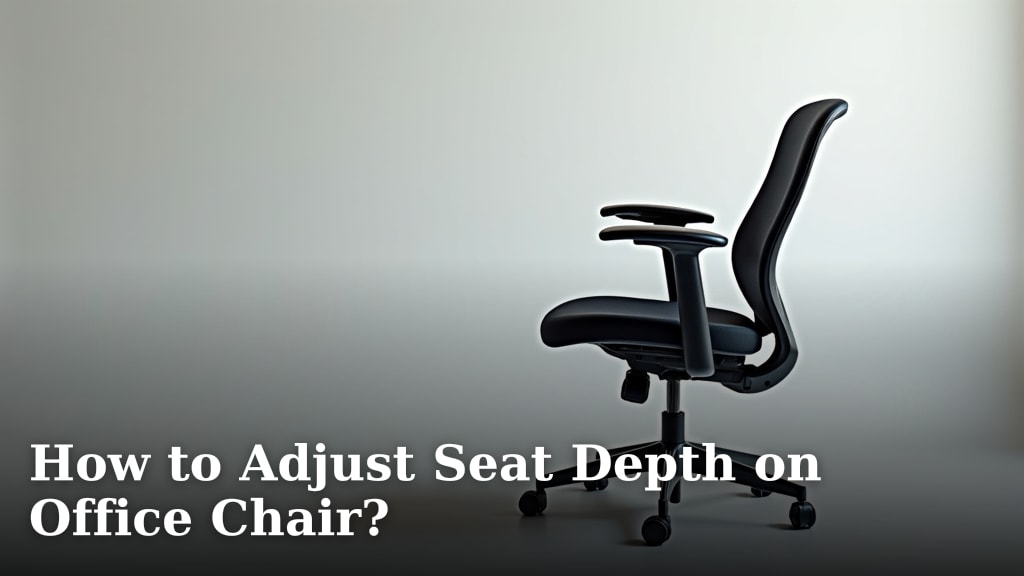
Adjusting your office chair seat depth is key to finding proper ergonomic support. You can easily do this by looking for a lever or knob under the seat. This mechanism controls how far your seat pan extends, ensuring your legs have the right amount of support. Getting this right helps prevent discomfort and promotes better posture.
Your seat depth should allow you to fit about three to four fingers between the edge of the seat and the back of your knees. This is often overlooked but is a major factor in preventing leg numbness and back pain. Many chairs offer this adjustment, and it’s a simple change that makes a big difference in your daily comfort.
- Find the seat depth adjustment lever.
- Position the seat so 3-4 fingers fit between your knees and the seat edge.
- This prevents leg numbness and back strain.
- Proper depth supports your thighs evenly.
Let’s walk through exactly how to find and use this adjustment on your office chair. Our guide explains how to adjust your chair height for optimal comfort.
So, you’ve got your office chair, and it’s mostly comfortable. But there’s that nagging feeling that something isn’t quite right. Maybe your thighs feel a little unsupported, or you find yourself sliding forward. You might be surprised to learn that a simple adjustment to your seat depth can make a world of difference.
Getting Your Office Chair Seat Depth Just Right
Adjusting your office chair’s seat depth is a straightforward process. It ensures your legs are properly supported. This prevents strain on your knees and lower back. You’re aiming for a comfortable fit that feels custom-made.
Why Seat Depth Matters So Much
Have you ever sat in a chair and felt like it was too big or too small for you? That’s often because the seat depth isn’t set correctly for your body. When the seat is too deep, the edge can press into the back of your knees. This can cut off circulation and lead to numbness or tingling. It might also force you to sit too far back, losing lumbar support. This can cause your back to round. Many petite chairs offer seat depth adjustment for a better fit.
On the flip side, if the seat is too shallow, your thighs won’t be fully supported. This means more pressure on your sit bones. It can lead to discomfort and fatigue. Research shows that proper ergonomic setup is vital for preventing musculoskeletal issues in the workplace (CDC). Getting your seat depth right is a key part of that setup.
The “Three to Four Finger Rule” Explained
How do you know if your seat depth is correct? There’s a simple test. Sit all the way back in your chair. Make sure your back is against the backrest. Then, try to slide one hand, placed vertically, between the edge of the seat and the back of your knees. You should be able to fit comfortably three to four of your fingers there. This is a widely accepted ergonomic guideline.
This gap ensures that the seat pan supports your thighs evenly without pressing into the sensitive area behind your knees. It allows for good circulation. It also lets your feet rest flat on the floor. This is the foundation of good posture. If you can’t fit three fingers, your seat is likely too deep. If you can fit more than four, it might be too shallow. This simple check is a quick way to assess your current setup.
Finding the Seat Depth Adjustment Mechanism
Most modern ergonomic office chairs have a way to adjust seat depth. You just need to know where to look! The mechanism is usually found under the seat itself. It’s often a lever or a knob. Think of it like adjusting the seat height, but for the length of the seat.
Common Types of Adjustment Levers
You’ll typically find one of a few types of controls. Some chairs have a single lever you might need to lift and then slide the seat. Others have a knob you turn. Some chairs use a two-lever system. One lever controls height, and the other controls depth. It’s usually a good idea to consult your chair’s manual if you’re unsure. But don’t worry, they’re usually quite intuitive.
Where to Look: Under the Seat
Get down on your hands and knees (or just lean over) to get a good look under the seat pan. Look for anything that looks like it moves or slides. Often, there’s a bar or a track system that the seat moves along. The lever or knob will be attached to this system. It might be on the right side, the left side, or even in the center.
Some chairs have a button you push on the side of the lever. You might need to press this button while moving the seat. Others have a lever that you pull up or push down to allow movement. If you see a small wheel or knob, that might be your depth adjuster. Just remember to give it a gentle push or pull to see how it works.
Steps to Adjust Your Office Chair Seat Depth
Now that you know why it’s important and where to look, let’s get to the actual adjustment. This process is usually very quick once you find the right control.
Step 1: Identify Your Chair’s Adjustment Control
As we discussed, the first step is finding that lever or knob. Gently feel around under the seat. Try moving anything that looks like a control. You’ll likely feel or hear a click when you find the right one. Some chairs have very discreet controls that blend in.
If you’re really struggling, try searching online for your specific chair model. A quick YouTube video can often show you exactly where the controls are. Many manufacturers also provide PDF manuals online. Don’t get discouraged if it takes a moment to locate. Most ergonomic chairs are designed for easy user adjustments.
Step 2: Loosen the Seat Depth Lock
Once you’ve found the control, you’ll need to “unlock” the seat. This might involve lifting a lever, pushing a button, or turning a knob. You might need to be sitting in the chair for some adjustments to engage properly. If you have a lever, try lifting it upwards. If it’s a knob, give it a twist.
If the seat doesn’t budge, make sure you’re engaging the lock correctly. Sometimes, you need to lift the lever and then slide the seat with your hands. Other times, simply activating the lever is enough. The goal here is to allow the seat pan to slide forward or backward. You’re making it ready to be repositioned.
Step 3: Slide the Seat to the Correct Depth
Now for the main event! With the lock disengaged, you can move the seat. You can either push the seat pan backward or pull it forward. You can do this while you are sitting in the chair or by pushing on the seat with your hands if you’re not. Remember the three-to-four finger rule we talked about.
Slide forward or backward until you achieve that perfect gap between the edge of the seat and the back of your knees. It should feel comfortable and supportive. You want to feel your thighs supported evenly. Your feet should still be able to rest flat on the floor. Take your time with this step. It’s better to adjust a little, check, and adjust again. You’re aiming for that sweet spot of comfort.
Step 4: Re-engage the Seat Depth Lock
Once you’ve found the ideal position, you need to secure it. This usually means returning the lever to its original position or re-engaging the knob. If you lifted a lever, push it back down. If you turned a knob, turn it back. You should feel or hear a click, indicating that the seat is locked in place. This is important!
You don’t want your seat sliding unexpectedly while you’re working. Test the lock by trying to move the seat pan again. It shouldn’t budge. If it does, make sure you’ve fully re-engaged the locking mechanism. Many experts recommend that this lock should be firmly secured before you start your workday.
Step 5: Test for Comfort and Proper Fit
Now, sit back and relax! How does it feel? Is the back of your knees free from pressure? Are your thighs well-supported all the way to the edge of the seat? Can you still comfortably place your feet flat on the floor? You might need to make very small micro-adjustments to get it perfect. Sometimes, moving it just a quarter-inch makes a big difference.
Try leaning forward and backward. Does the support feel consistent? A properly adjusted seat depth contributes to overall spinal alignment. It helps your chair’s other ergonomic features, like lumbar support, work their best. You’ll know it’s right when you barely think about your seating.
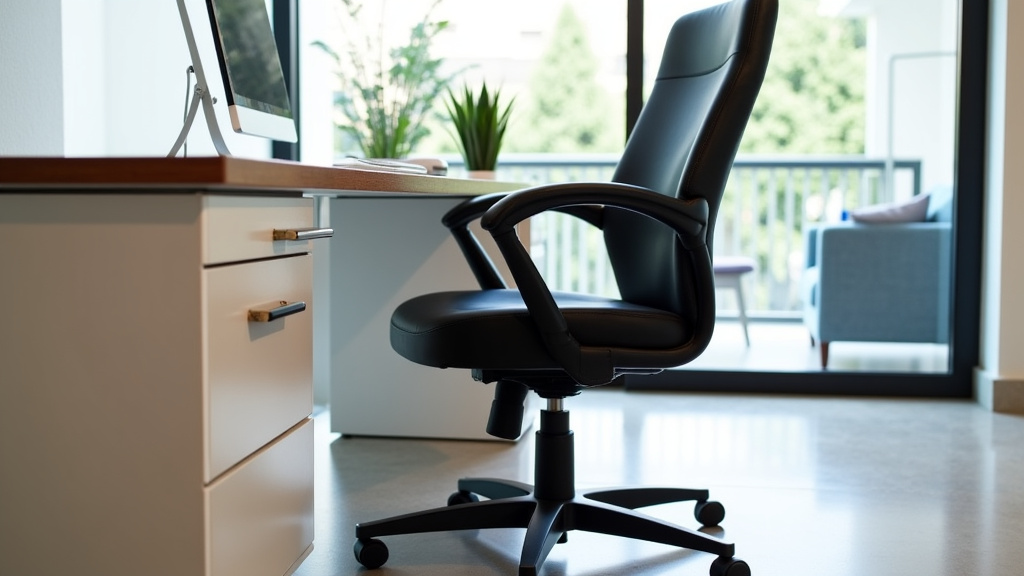
Troubleshooting Common Seat Depth Issues
What if your chair doesn’t seem to have this adjustment? Or what if it’s not working quite right? Don’t worry, we’ve got you covered.
My Chair Doesn’t Have Seat Depth Adjustment
This is more common on older or very basic office chairs. They might have a fixed seat pan. In this case, you can’t adjust the depth. However, you might be able to use a cushion or a footrest to compensate. A lumbar support cushion can help you sit further back if the seat is too deep. A footrest can help if your feet don’t reach the floor after adjusting other aspects.
If you find yourself constantly struggling with your chair’s ergonomics, it might be time to consider an upgrade. Many highly-rated ergonomic chairs offer a wide range of adjustments, including seat depth. Investing in a chair that fits your body well can have long-term benefits for your health and productivity.
The Adjustment Lever Isn’t Working
Sometimes, the mechanism can get stuck or jammed, especially on chairs that haven’t been adjusted in a while. Try wiggling the lever or knob gently while applying slight pressure to the seat. If it still won’t move, check for any visible obstructions. Debris can sometimes get lodged in the track.
If the lever seems to move freely but the seat doesn’t slide, the locking mechanism might be broken. In this case, you may need to contact the manufacturer for repair parts or professional assistance. For many adjustable chairs, a little lubrication can sometimes help free up a stiff mechanism. Consult your manual or manufacturer before applying any.
Seat Depth Feels “Off” Even with Adjustment
Even with the correct number of fingers, sometimes a chair just doesn’t feel right. This could be due to the seat pan’s shape or padding. Some seats have a slight contour that might not suit your leg shape. Also, consider your overall posture. Is your desk at the right height? Are your monitors positioned correctly? Ergonomics is a system, and the seat depth is just one part.
Remember that the three-to-four finger rule is a guideline, not a strict law. Your personal comfort is the ultimate judge. If a slightly different gap feels better for you, go with that! The goal is to prevent discomfort and pain. Pay attention to how your body feels throughout the day.
Checklist for Perfect Seat Depth
- Sit all the way back in your chair.
- Ensure your feet are flat on the floor.
- Adjust until 3-4 fingers fit between your knees and the seat edge.
- Confirm your thighs are evenly supported.
- Check that the seat depth lock is securely engaged.
- Test for comfort by shifting your position slightly.
Conclusion
You’ve now learned how to adjust your office chair’s seat depth for optimal comfort and support. Remember, that three-to-four finger rule is your best friend in achieving a custom fit. This simple adjustment can prevent leg numbness, reduce back strain, and make your workday far more pleasant. Don’t settle for discomfort. Take a few minutes right now to find that adjustment lever and get your seat depth dialed in. Your body will thank you for it.
Frequently Asked Questions
How often should I check my office chair’s seat depth?
It’s a good idea to re-evaluate your seat depth if you experience new discomfort or after making other ergonomic changes, like adjusting your desk height. Most people find that once it’s set correctly, it doesn’t need frequent adjustments unless the chair is used by multiple people.
Can the wrong seat depth affect my posture?
Yes, absolutely. If your seat is too deep, you might slouch to avoid pressure on your knees, leading to rounded shoulders. If it’s too shallow, you might lean forward, losing the benefit of your chair’s back support and lumbar curve. Proper depth supports good posture.
What if my feet don’t touch the floor after adjusting seat depth?
If your feet don’t reach the floor even with the seat at its shallowest setting, you likely need a footrest. This ensures proper circulation and reduces strain on your legs. Your feet should rest flat, with a slight bend at the knee.
Is the “three to four finger rule” always accurate?
The three-to-four finger rule is a widely accepted guideline, but personal comfort is the ultimate factor. Some individuals may find a slightly larger or smaller gap more comfortable based on their body shape and leg length. Use it as a starting point and adjust to your preference.
Can adjusting seat depth help with sciatica pain?
For some individuals, yes. By ensuring proper thigh support and preventing pressure behind the knees, the correct seat depth can help alleviate nerve compression that might contribute to sciatica. It helps distribute weight more evenly, which can reduce overall discomfort.
