How to Know If Office Chair Is Right Height?
To know if your office chair is the right height, your feet should be flat on the floor with your knees at about a 90-degree angle, or slightly lower than your hips. This posture helps maintain a neutral spine and good circulation. It’s all about finding that sweet spot for comfort and support.
When your chair is too high or too low, you might notice strain in your neck, shoulders, or lower back. We found that a properly adjusted chair can prevent discomfort and boost your productivity. It’s a small change that makes a big difference in your daily work life.
TL;DR:
- Feet flat on the floor
- Knees at a 90-degree angle
- Hips slightly higher than knees
- Arms form an L-shape at the keyboard
- Back supported by the chair
Let’s walk through exactly how to check and adjust your office chair to achieve optimal ergonomics. We’ll make sure you’re sitting pretty, not painfully!
Assessing Your Office Chair’s Ideal Height
To truly know if your office chair is at the right height, you’ll need to pay attention to your body’s alignment and comfort. It’s all about creating a balanced and supported posture that prevents strain.
The Core Principles of Ergonomic Chair Height
Setting up your chair properly can feel like a small adjustment, but it makes a huge difference. We found that good posture starts from the ground up, literally. Your feet and legs are the foundation for proper seated ergonomics.
Feet Flat on the Floor
One of the easiest ways to check your chair height is by looking at your feet. They should be flat on the floor. If they’re dangling, your chair is too high. If your knees are pushed way up, your chair is likely too low.
- No tiptoes.
- No feet tucked under the chair.
- No feet resting on chair casters.
When your feet are firmly planted, you get better stability. This also helps your blood circulation, preventing that pins-and-needles feeling. Many experts agree this is a key first step (OSHA).
Knees at a 90-Degree Angle
Once your feet are flat, check your knees. Your knees should form roughly a 90-degree angle. This means your thighs are parallel to the floor, or just slightly angled down.
If your knees are significantly higher than your hips, your chair is too low. If they are much lower, your chair is too high. This knee angle helps distribute pressure evenly across your thighs.
Hips Slightly Higher Than Knees
This is a subtle but important detail. Your hips should be just a little bit higher than your knees. Think of it as a gentle downward slope from your hips to your knees. This slight angle encourages your pelvis to tilt forward naturally, promoting a healthy lumbar curve in your lower back.
If your hips are lower than your knees, your pelvis might tilt backward. This can flatten your lower back curve, leading to slouching and potential back pain. We found this position often puts unnecessary stress on your spine.
Optimizing Your Upper Body Alignment
After your lower body is correctly positioned, it’s time to focus on your upper body. The right chair height also impacts how you interact with your desk and keyboard. Poor upper body alignment can lead to shoulder and neck strain.
Elbows at a 90-Degree Angle (Keyboard Height)
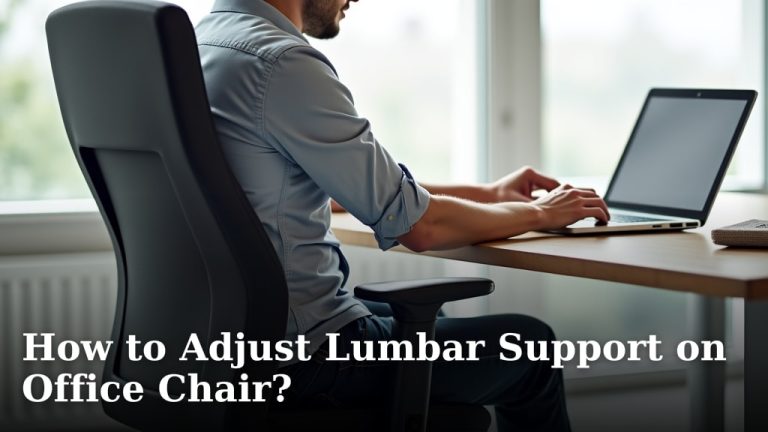
With your feet and knees set, extend your arms to reach your keyboard. Your elbows should form a 90-degree angle, or just slightly more open. Your forearms should be parallel to the floor.
Your wrists should be straight, not bent up or down. If your shoulders are hunched up, your chair is too low relative to your desk. If your arms are reaching down, your chair is too high. This elbow angle prevents wrist and shoulder fatigue.
Shoulders Relaxed, Not Shrugged
Are your shoulders relaxed? They shouldn’t be pulled up towards your ears or pushed forward. When your chair is at the correct height, your shoulders should feel loose and natural. We found that relaxed shoulders reduce tension in your neck and upper back.
If you find yourself shrugging to reach your keyboard, your chair is too low for your desk. If your shoulders feel pushed up, your desk might be too high. The goal is a neutral, stress-free posture.
The Role of Your Desk and Accessories
Remember, your office chair height isn’t just about the chair itself. It’s about how it interacts with your desk and other workstation elements. It’s a dynamic relationship, not a static setting.
Desk Height Considerations
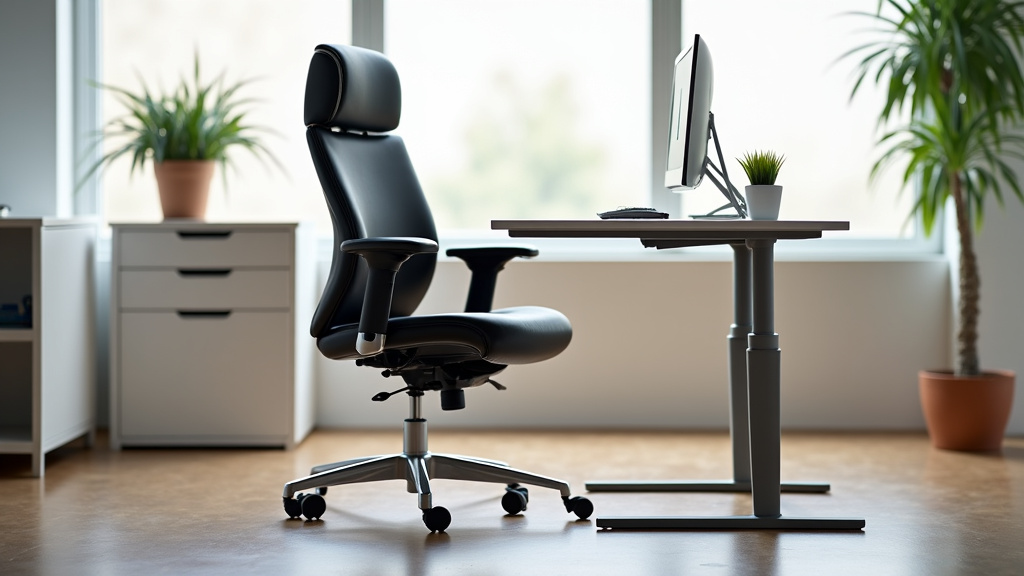
Ideally, your desk height should support your arms when your chair is properly adjusted. If your desk is fixed, you might need to adjust your chair first, then find ways to compensate for the desk.
For example, if your desk is too high even with your chair at the correct setting, you might consider a keyboard tray. This brings your keyboard to you, rather than you reaching for it. Adjustable height desks offer the most flexibility, allowing you to match your setup perfectly.
Using Footrests Effectively
What if your feet don’t reach the floor even when your chair is at its lowest ergonomic setting? Or maybe your desk is too high, forcing you to raise your chair beyond optimal leg positioning? This is where a footrest comes in handy.
A footrest can provide the necessary support for your feet, ensuring your knees maintain that 90-degree angle. It allows you to keep your chair at a height that works for your desk and arms, while still supporting your lower body. We found a footrest can be a game-changer for shorter individuals or those with fixed-height desks.
Recognizing the Signs of an Incorrect Chair Height
Your body often tells you when something isn’t right. Paying attention to these signals can help you adjust your chair before problems become chronic. Ignoring them can lead to persistent discomfort.
| Symptom | Possible Cause (Chair Height) | Why It Happens |
|---|---|---|
| Lower back pain | Too low (hips below knees) | Flattens lumbar curve, encourages slouching. |
| Shoulder & neck pain | Too low (reaching up for keyboard) or Too high (shoulders shrugged) | Muscle tension from unnatural arm/shoulder position. |
| Numbness or tingling in legs/feet | Too high (pressure on thighs) | Restricts blood flow, nerve compression. |
| Wrist pain or strain | Too high or too low (bent wrists) | Forces wrists into unnatural, strained angles. |
| Difficulty typing comfortably | Mismatch with desk height | Awkward arm and hand positioning, fatigue. |
A Simple Checklist for Your Chair Height
Ready for a quick self-assessment? Here’s a checklist to help you dial in your chair height. Go through these steps one by one to ensure you’re hitting all the right ergonomic marks.
- Feet flat on the floor? Make sure they are fully supported.
- Knees at a 90-degree angle? Or slightly below your hips.
- Hips slightly higher than knees? A gentle downhill slope.
- Elbows at a 90-degree angle? Forearms parallel to the floor when typing.
- Shoulders relaxed? No shrugging or hunching.
- Wrists straight? Not bent up or down.
If you answered “no” to any of these, it’s time for an adjustment. Small changes can bring significant relief and improve your overall posture.
Making the Adjustments
Most modern office chairs have pneumatic levers to adjust height. Simply sit in the chair and pull the lever up to raise it, or pull it up while putting some weight on the seat to lower it. Make small adjustments and then re-evaluate your posture.
Don’t be afraid to experiment. Your body is unique, and what feels right might be slightly different for you than for someone else. The key is to listen to your body and prioritize comfort and support.
Conclusion
Finding the right office chair height is a simple yet powerful step toward better health and productivity. By ensuring your feet are flat, knees are at 90 degrees, and arms form an L-shape, you create a foundation for proper posture. Remember, your body provides constant feedback, so listen to it and make adjustments.
We found that taking a few minutes to fine-tune your setup can prevent discomfort like back and neck pain. Don’t underestimate the impact of these small changes. Take action now to adjust your chair and experience the benefits of an ergonomically sound workspace.
Frequently Asked Questions
How often should I re-check my chair height?
You should re-check your chair height any time you feel discomfort, change desks, or make adjustments to your keyboard or monitor. It’s also a good idea to do a quick posture check at the start of each workday to ensure everything is still aligned.
Can a footrest fix a chair that’s too high?
Yes, a footrest can help if your chair is too high for your feet to be flat on the floor, especially if your desk is also high. It allows you to maintain the proper knee angle and support your lower body while keeping your arms correctly positioned for your desk.
What if my office chair doesn’t adjust low enough for my feet?
If your office chair won’t go low enough for your feet to be flat, even at its lowest setting, a footrest is your best solution. Alternatively, you might consider a different chair that offers a wider range of height adjustment, particularly for shorter individuals.
Does chair height affect my monitor position?
Indirectly, yes. Your chair height affects your seated posture, which then determines your eye level. Once your chair is set, your monitor should be adjusted so the top of the screen is at or slightly below eye level, requiring minimal head tilt.
Why is it bad if my knees are higher than my hips?
When your knees are significantly higher than your hips, it can cause your pelvis to tilt backward. This flattens the natural curve of your lower back, leading to slouching and increased pressure on your spine, which often results in lower back pain.